Fast • Secure • Unlimited

Free Online Image Resizer

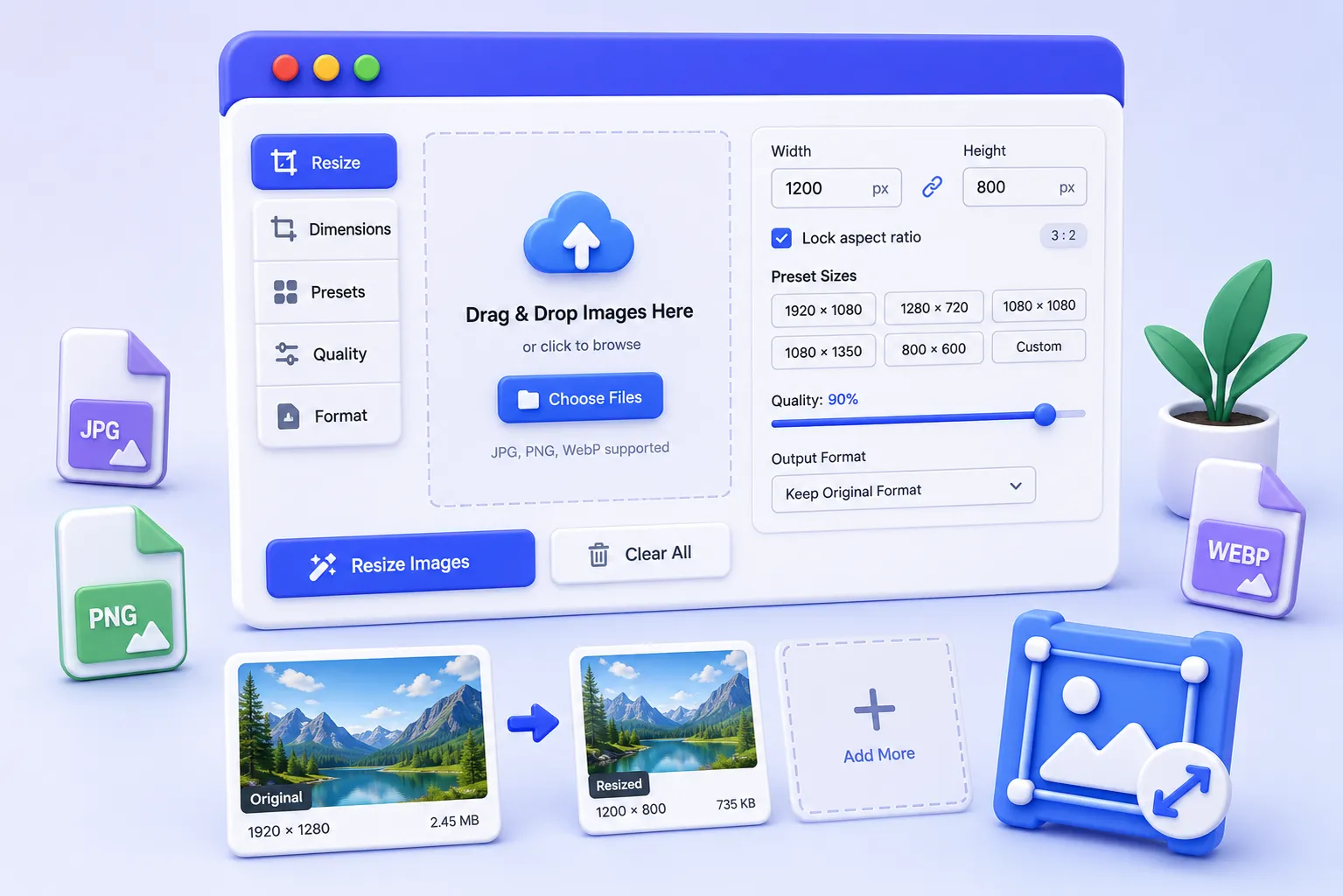
Resize JPG, PNG, WebP and other images online without losing quality. Set custom dimensions, maintain aspect ratio and download your resized images instantly.

  • Resize multiple images
  • Maintain aspect ratio
  • Works completely in your browser
  • No image uploads required
Online Image Resizer

Drag & Drop Images

or click below to browse files

No Images Selected

Select images to begin resizing.

Simple & Fast

How to Resize an Image Online

Resize your images in just a few simple steps without installing any software.

01

Upload Your Image

Select one or multiple JPG, PNG, WebP or supported image files from your device.

02

Set Image Dimensions

Enter your preferred width and height. Lock the aspect ratio to keep your image proportions intact.

03

Resize Your Image

Click the resize button and let your browser process the image instantly.

04

Download the Result

Preview your resized image and download it directly to your device.

Why Choose Our Tool

A Simple Way to Resize Images

Everything you need to resize images quickly while keeping the process simple and secure.

Private & Secure

Your images can be processed directly in your browser without requiring a server-side upload.

Fast Processing

Resize images quickly without waiting for lengthy uploads or complicated processing steps.

Multiple Images

Select multiple images and resize them together instead of processing every image separately.

Works on Any Device

Use the image resizer from your desktop, tablet or mobile browser without installing additional software.

Custom Dimensions

Choose your exact width and height or use convenient preset dimensions for common image sizes.

Quality Control

Adjust image quality when exporting to supported formats to find the right balance between quality and file size.

Resize Images Online

Resize Images Without Complicated Software

Large images are not always suitable for websites, social media platforms, email attachments or online forms. Resizing an image lets you change its dimensions to better match your specific requirements.

With our online image resizer, you can enter custom dimensions, preserve the original aspect ratio and choose from commonly used image sizes.

The tool is designed to make image resizing straightforward for both occasional users and people who regularly work with digital images.

Social Media Images

Prepare images for commonly used social media dimensions.

Website Images

Resize oversized images before adding them to your website.

Email & Documents

Create appropriately sized images for emails and digital documents.

Custom Projects

Set precise dimensions for your own design and content requirements.

Frequently Asked Questions

Image Resizer FAQs

Find answers to common questions about resizing images online.

Can I resize multiple images at once?

Yes. You can select multiple supported image files and resize them together using the same dimensions and settings.

Will resizing change my original image?

No. The original file on your device remains unchanged. The tool creates a separate resized version that you can download.

Can I maintain the original aspect ratio?

Yes. Keep the Lock Aspect Ratio option enabled to maintain the proportions of your image while changing its dimensions.

Which image formats are supported?

The tool supports common web image formats including JPG, JPEG, PNG and WebP.

Do I need to install any software?

No. The image resizer works directly in your web browser, so you don't need to install additional software.

Can I choose a custom image size?

Yes. Enter your preferred width and height in pixels. You can also use one of the available preset dimensions.

Ready to Resize Your Images?

Upload your images, choose your dimensions and create resized images in just a few clicks.

Start Resizing